
BudgetBites
Budget meal planner app
For this project, I really wanted to create something that I would personally use. As a university student, I felt one of my biggest struggles was home cooked meals.
Role
Product designer
Timeline
Jan - Mar '22
Creating plans
Create a new plan whenever for whatever.
Adding recipes
Explore and add recipes to your plans.
Coookin'
Get straight to cookin' with the help of step-by-step instructions.
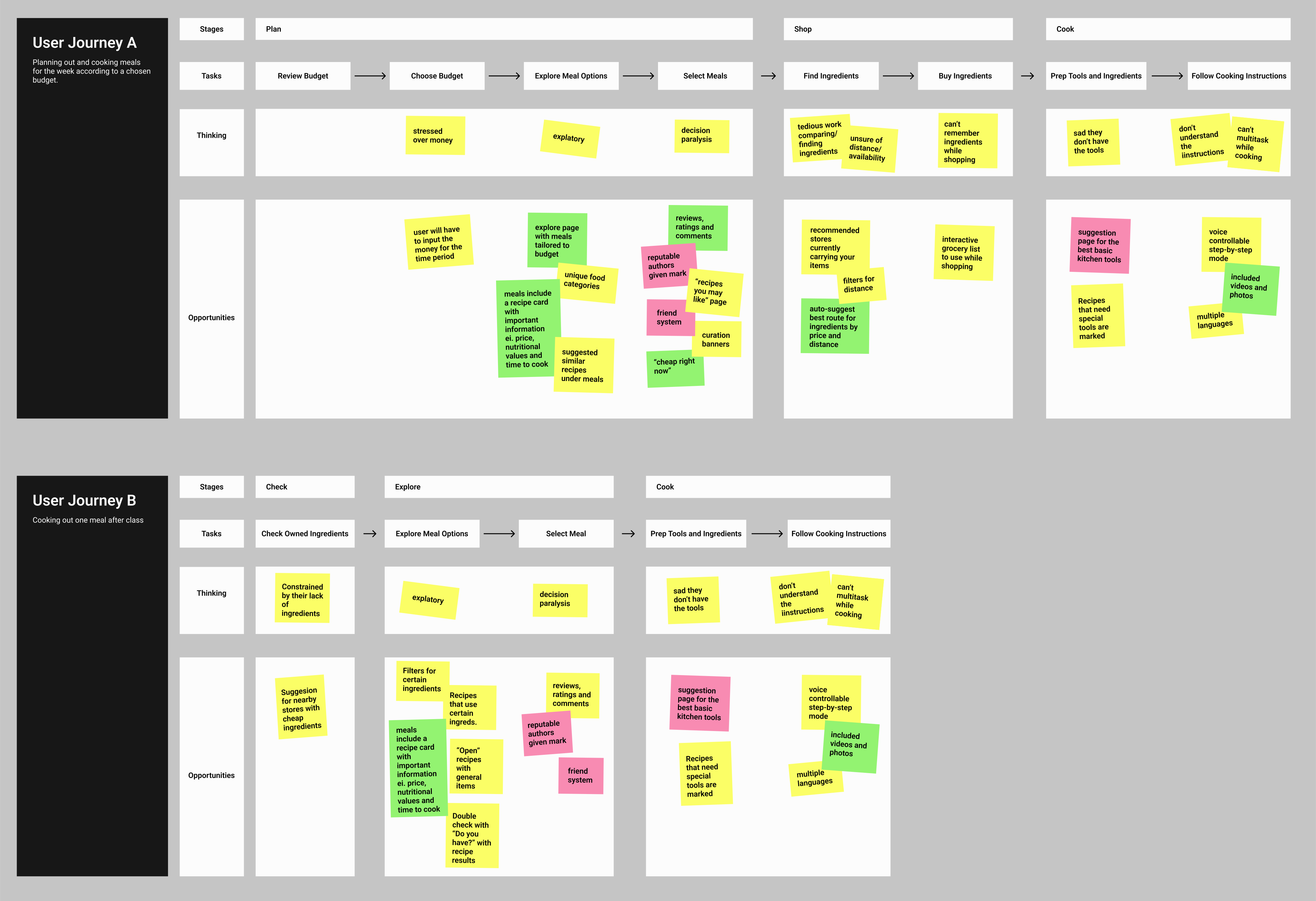
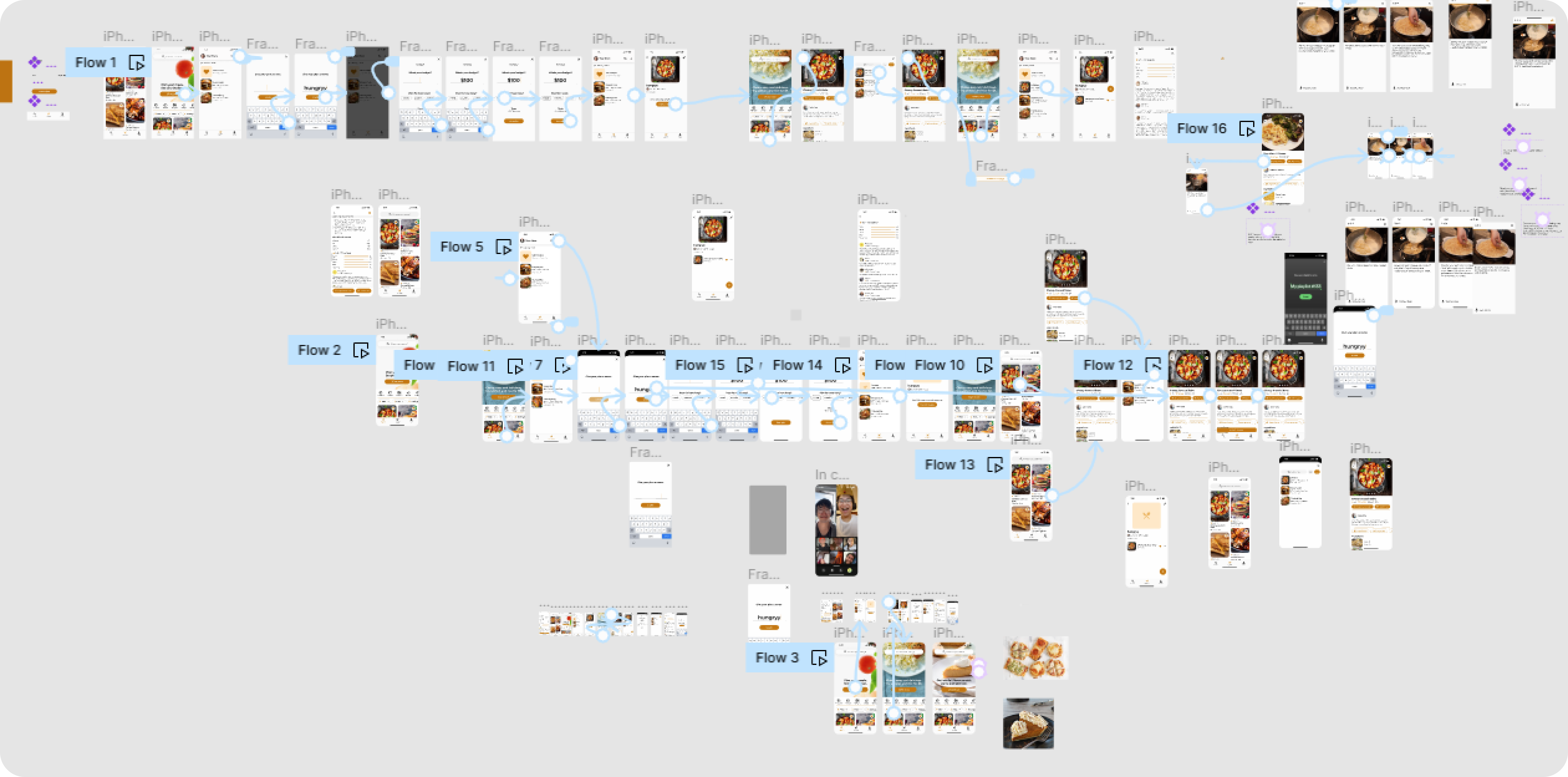
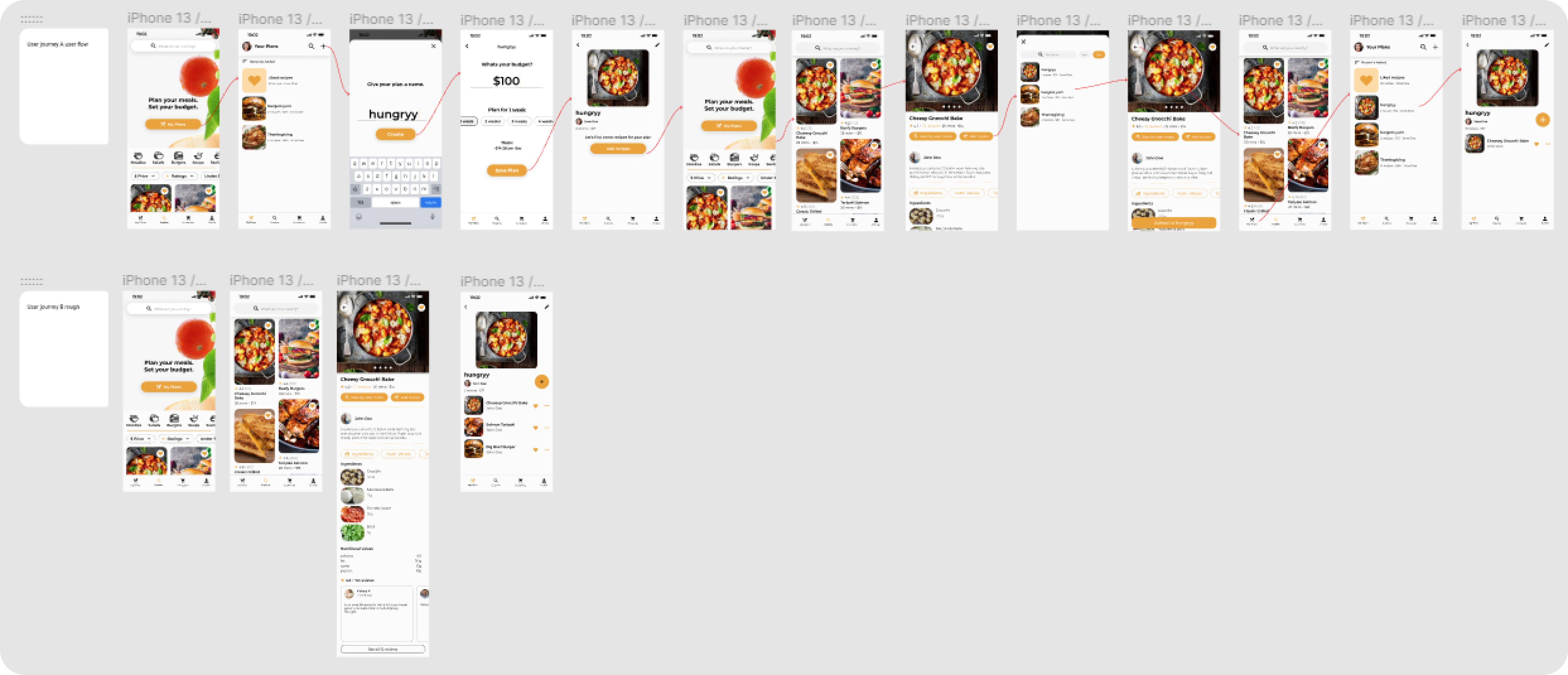
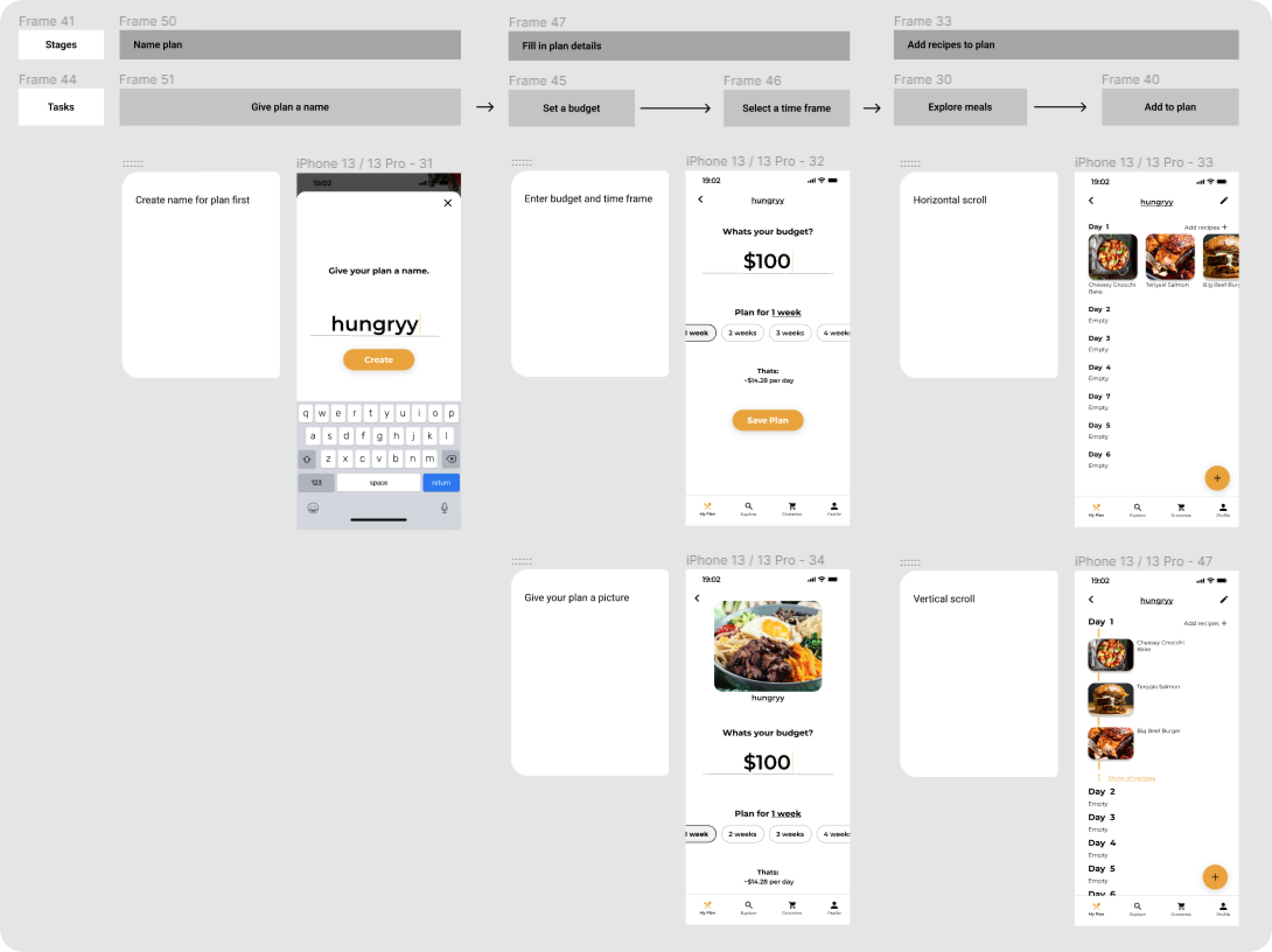
After narrowing down the problem to solve for, I competitively analyzed similar products in the market for their use cases and areas of improvement. Then I defined the main user journeys of my app, along with its stages, tasks, thinking, and opportunities. Not everything stuck through to the end, but it helped to define the app direction and features for design.
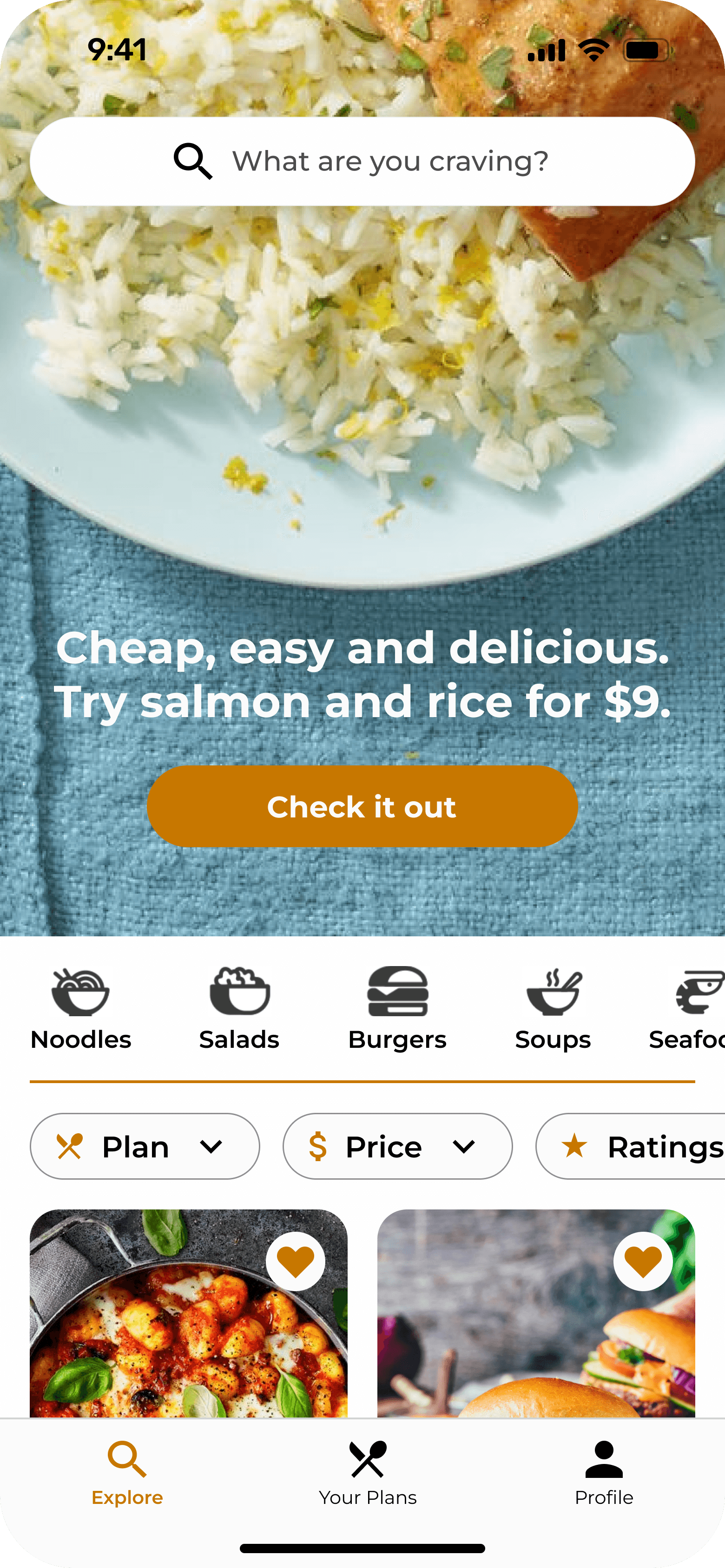
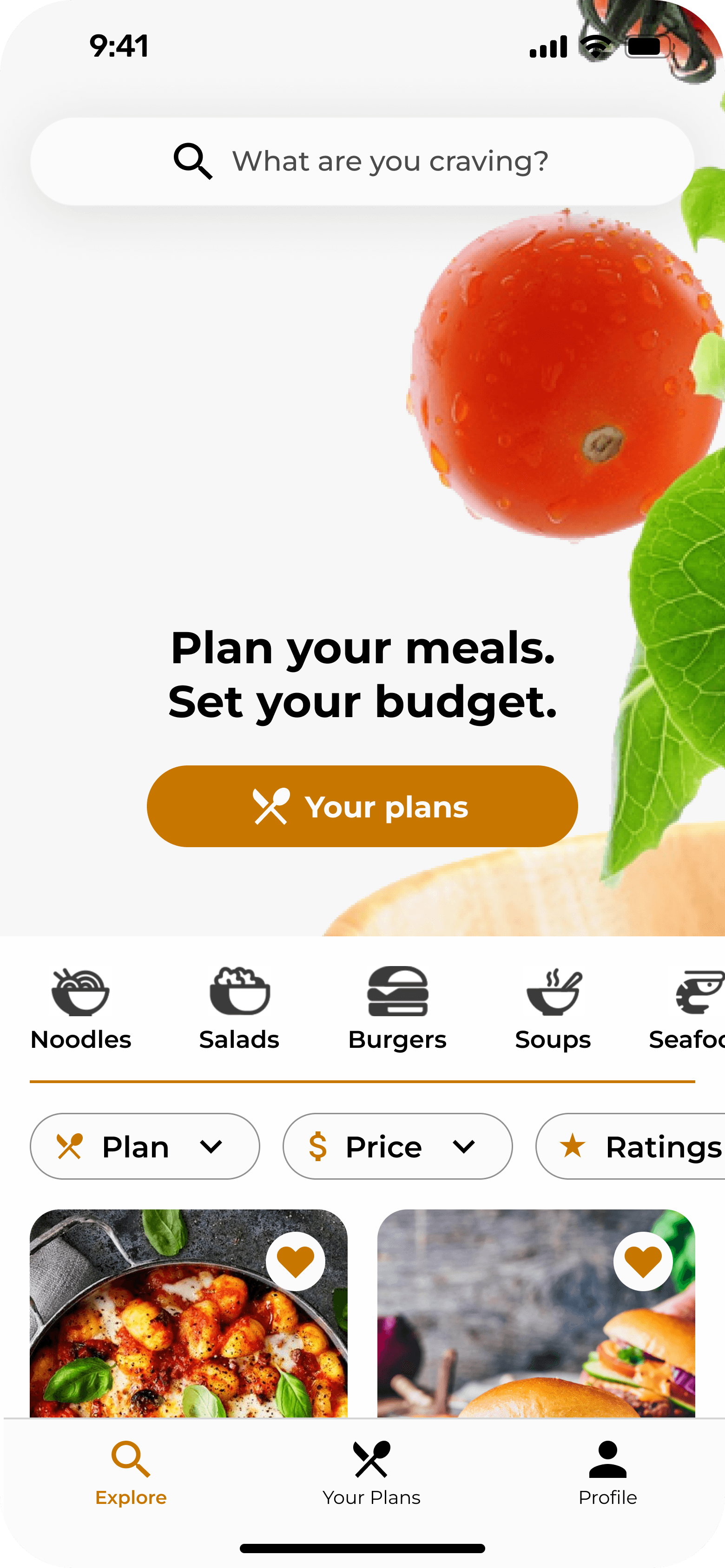
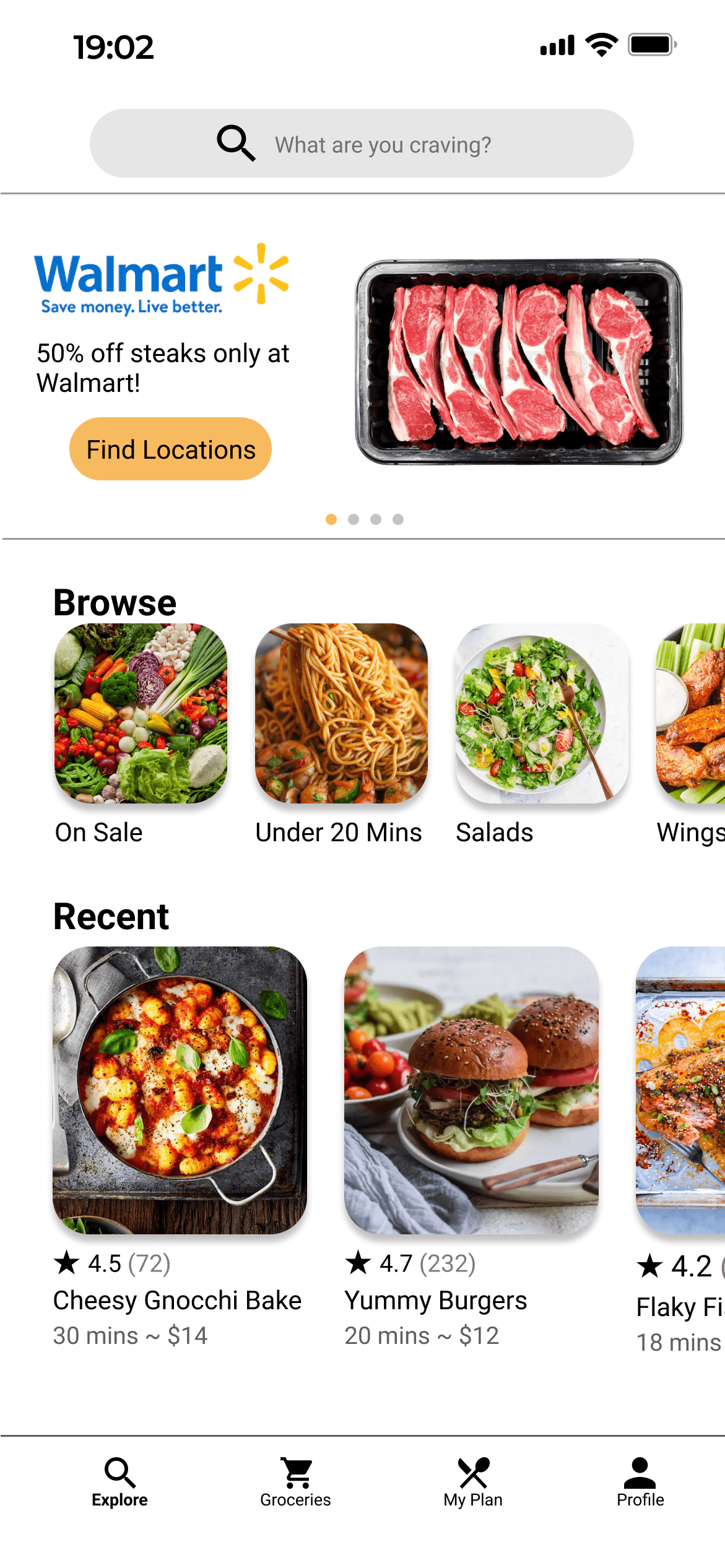
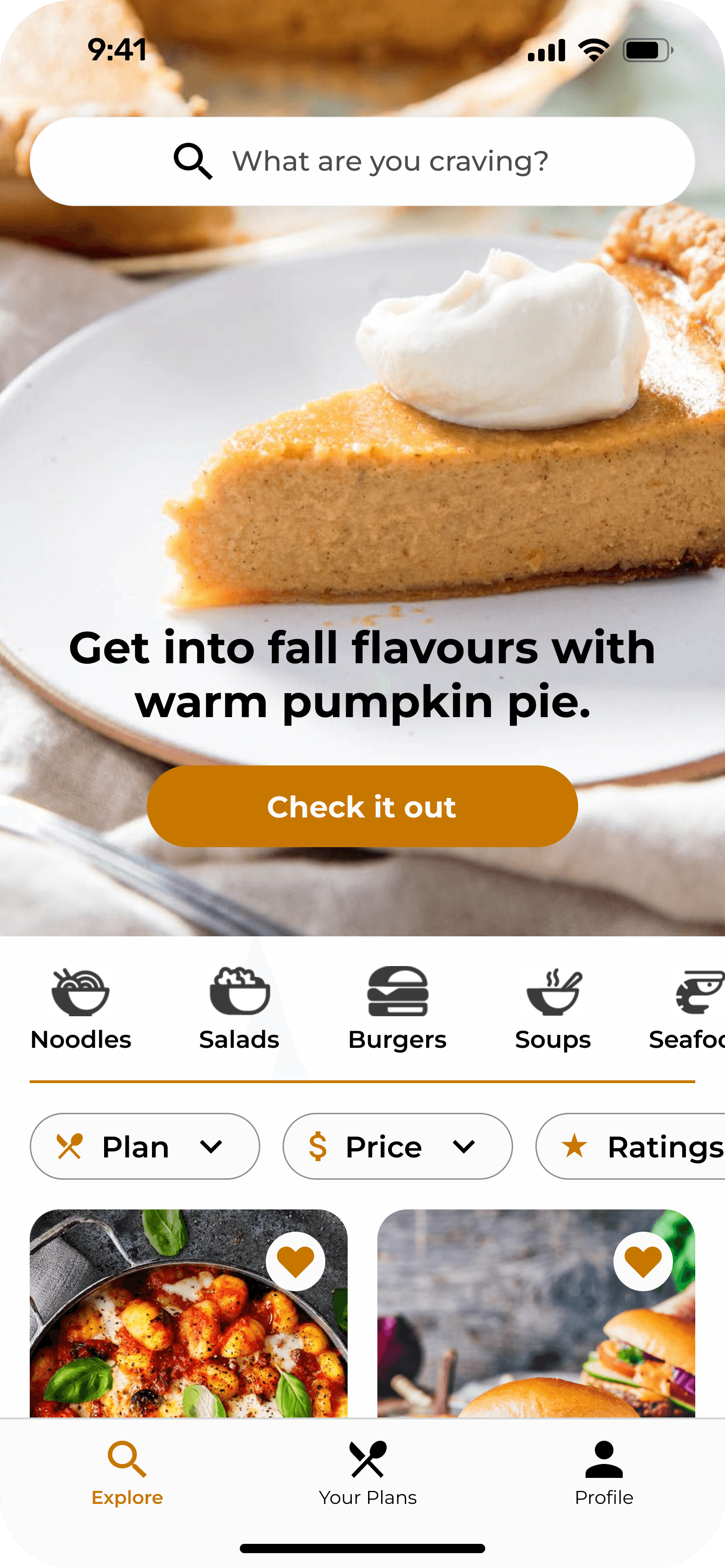
Homepage
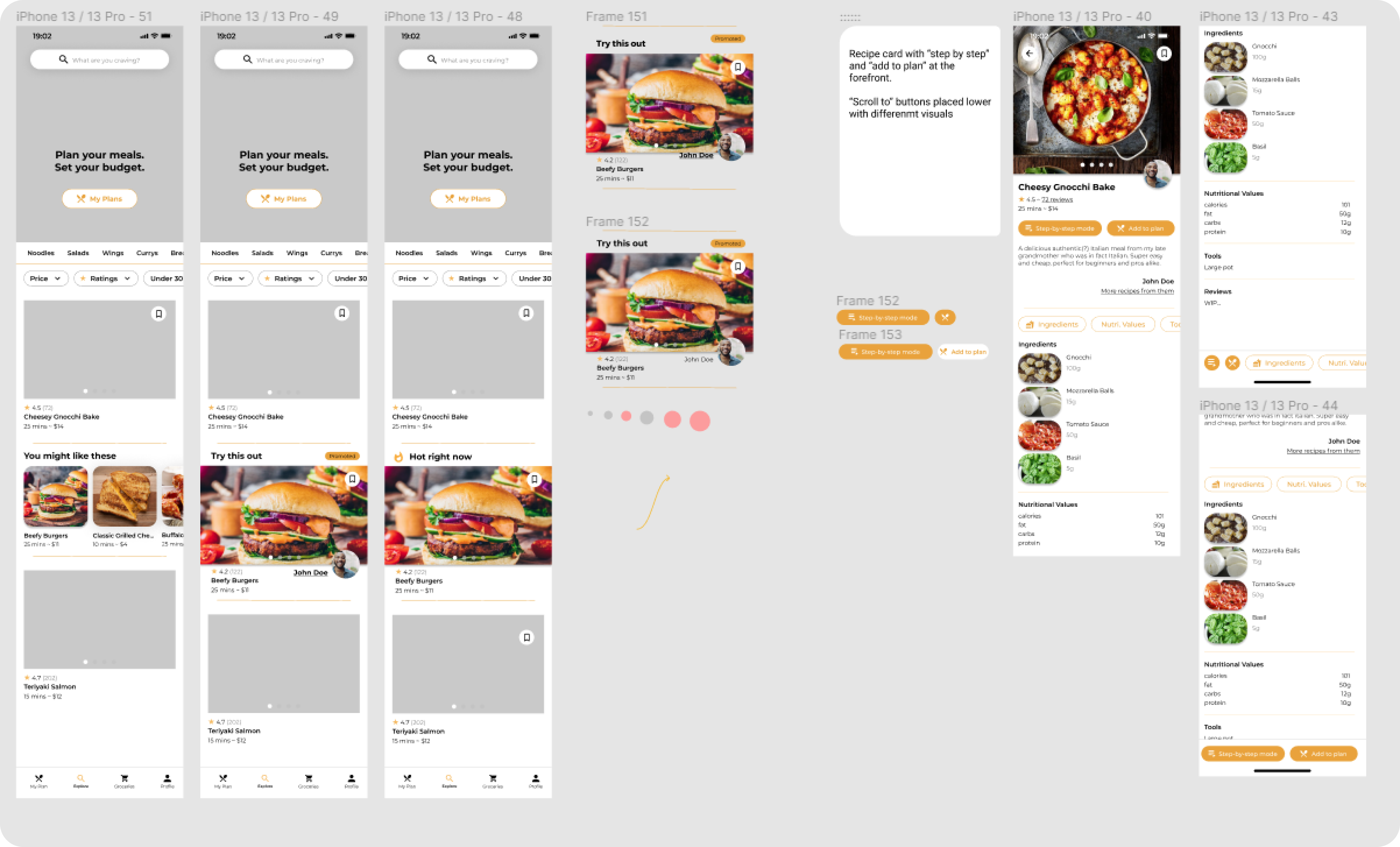
Poster at the top of the explore page for showcasing popular recipes, seasonal eats, for first time user onboarding, and more!

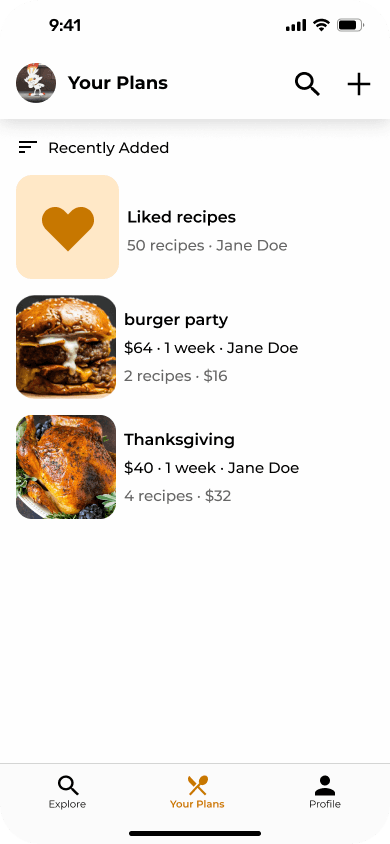
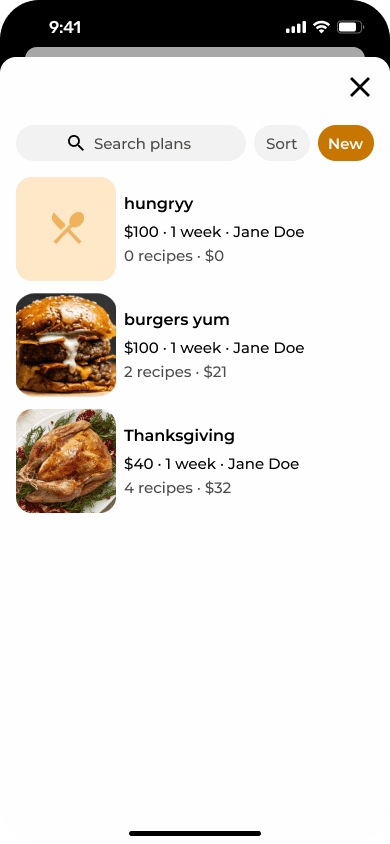
Your plans
Access any of your plans for whatever the vibe is.

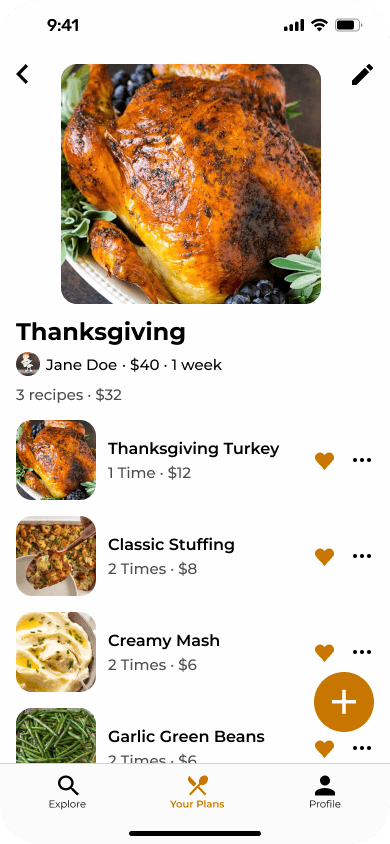
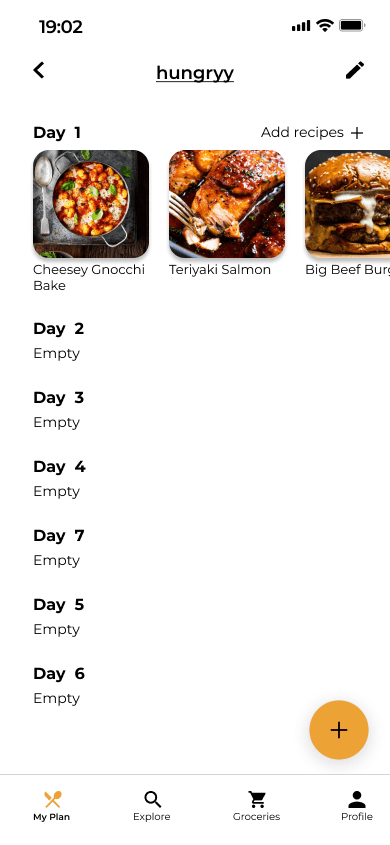
Plan details
Compare the current number of recipes and price to what you set. Adjust the number of servings for each recipe and add new ones as you please.
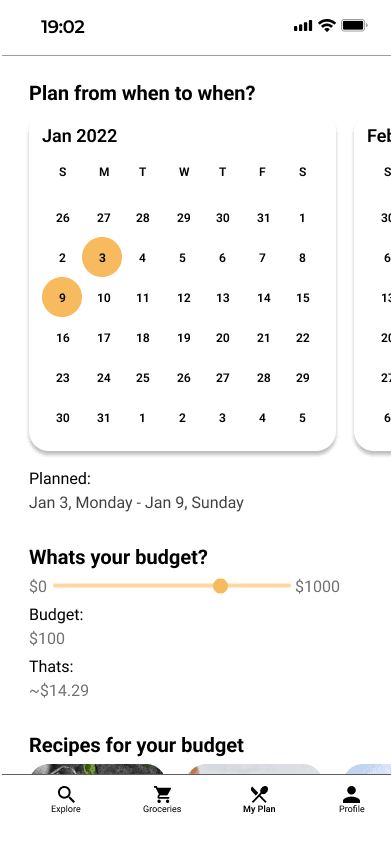
Creating plans
Create a new plan whenever for whatever.
Create plan flow
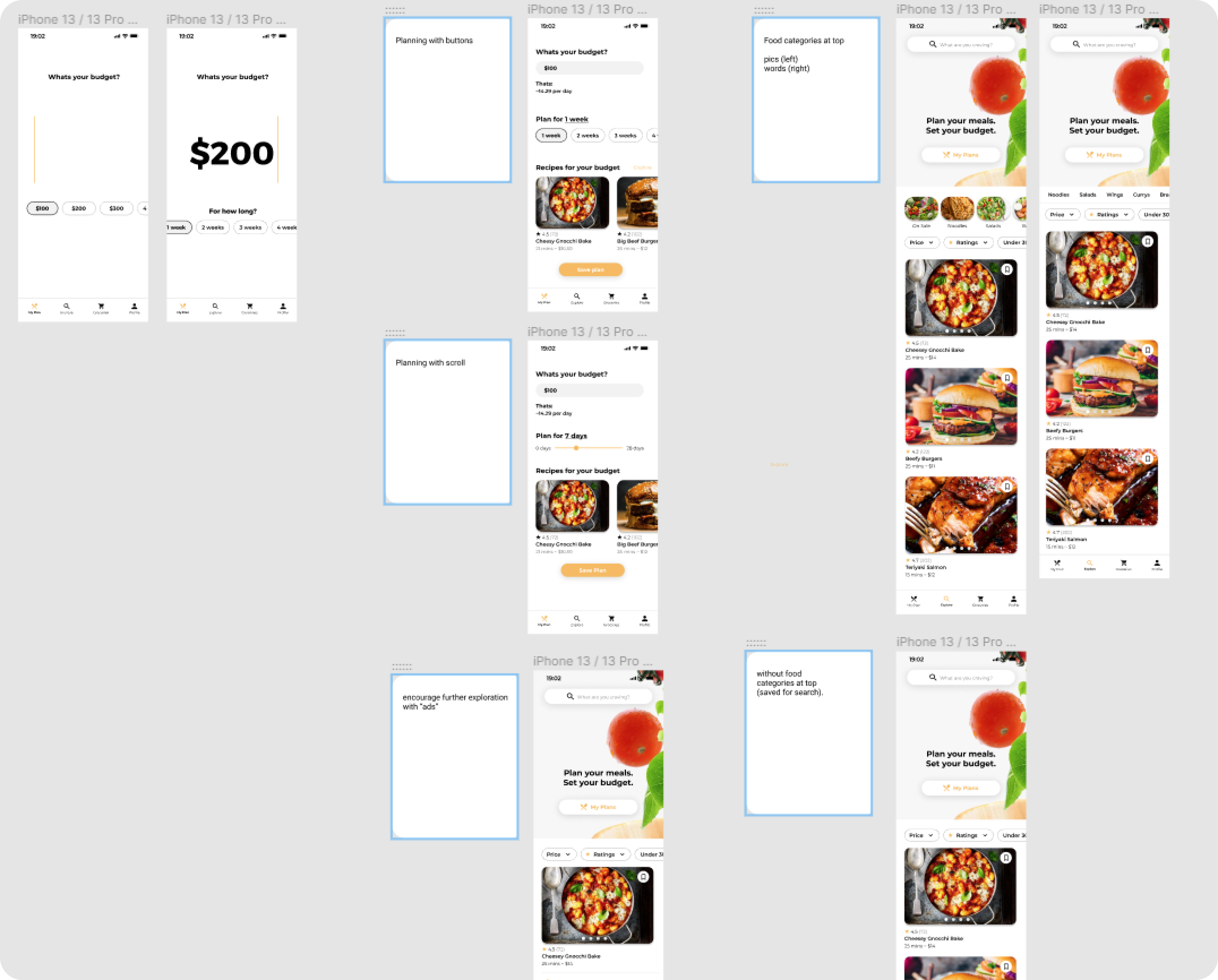
Give your plan a beautiful name and set your limitations.

Empty plan
Your plans looking pretty empty right now...
Adding recipes
Explore and add recipes to your plans.

Explore
Give yourbe plan a beautiful name and set your limitations.
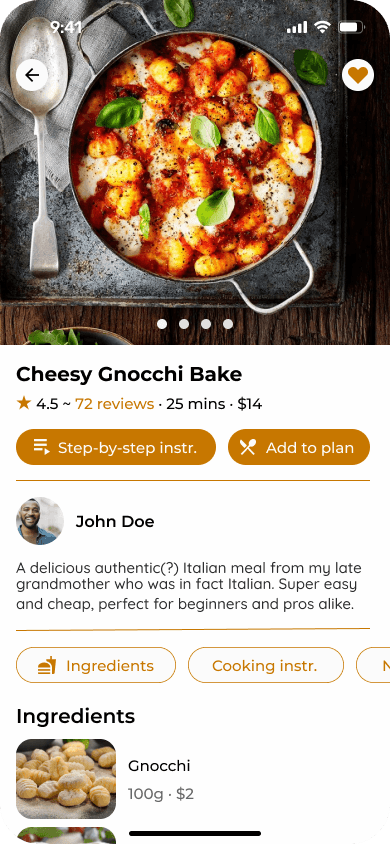
Recipe card
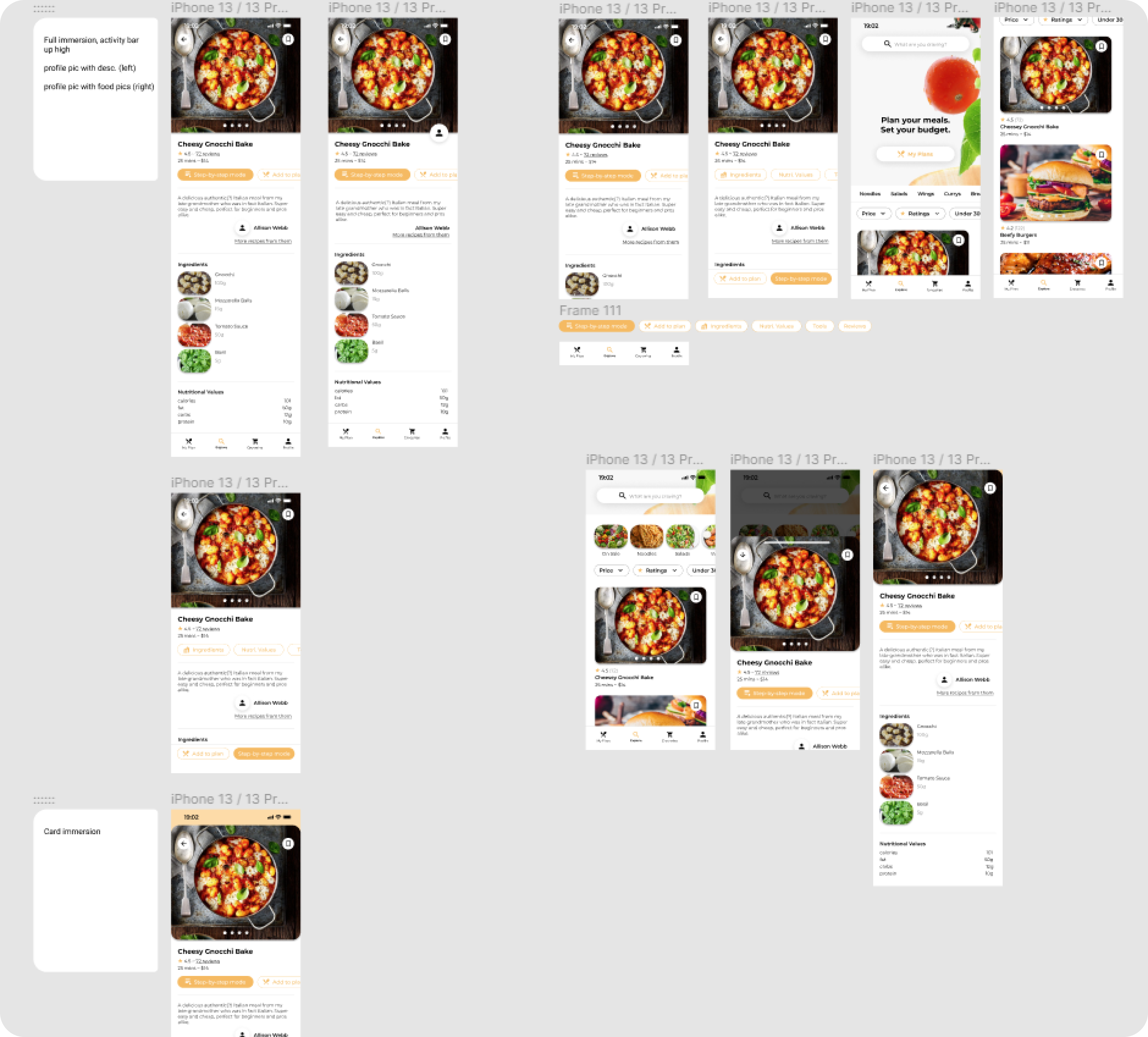
View recipe details, add to your plan, or start cooking with everything you need.

Empty plan
Choose or make new plan to add a recipe to.
Coookin'
Get straight to cookin' with the help of step-by-step instructions.
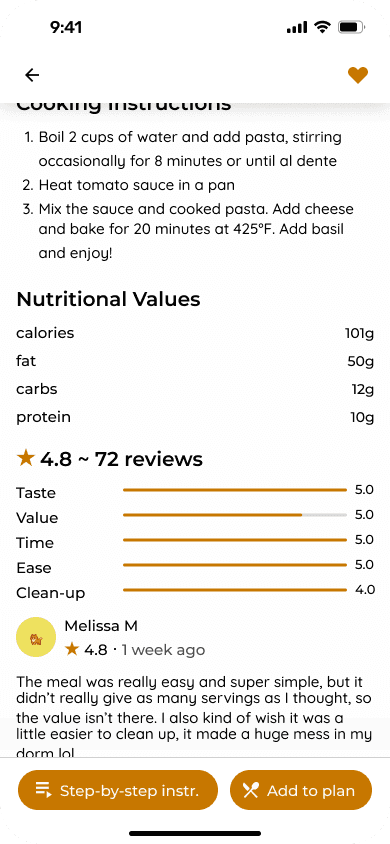
Step-by-step
Easy to follow steps accompanied with visuals and videos. Enter "Touchless Mode" for voice controls if your hands aren't free.

Grocieries
Early app direction included features that helped you shop for the cheapest groceries near you. It branched too far from the problem. Perhaps in a future update?

Creative inputs
Creative ways to input information like a calendar and scroller, made it unnecessarily difficult for users to put down exactly what they wanted.

Meal scheduling
Specifying meals for each day of a plan had similar issues to the grocery features. It didn't align with the target audience's needs and became too complicated for casual users.

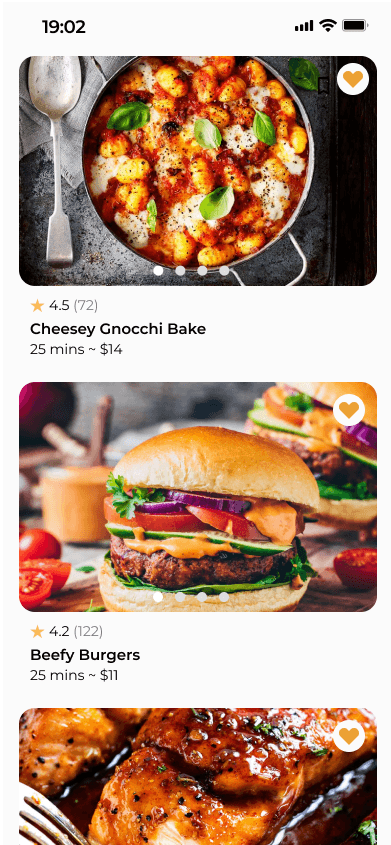
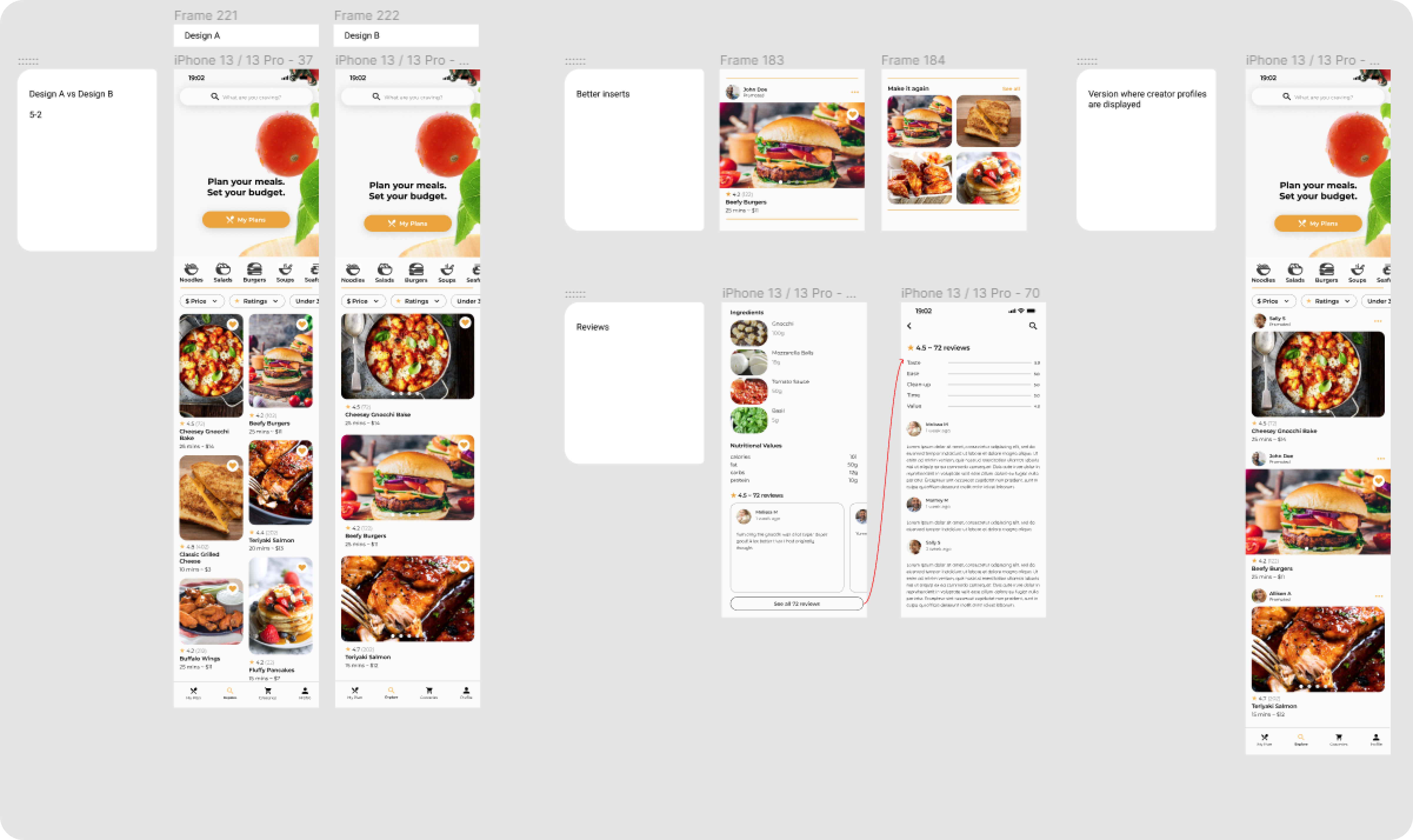
Vertical explore feed
The original explore page held a "one after the other" feed layout. Testing showed that users preferred the masonry grid style, wanting to see more on the screen at once for faster decision making.